🌑
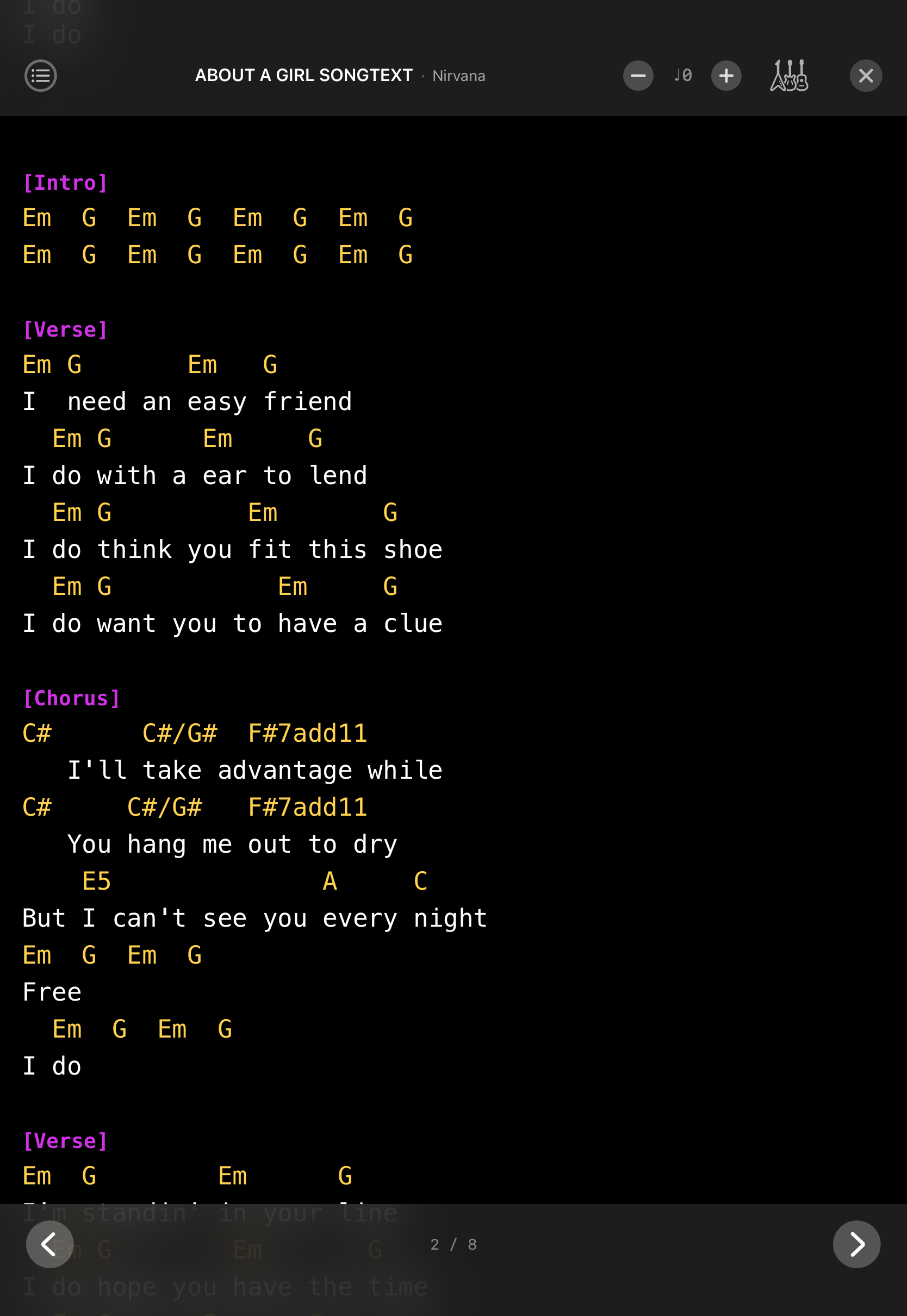
Performance Mode
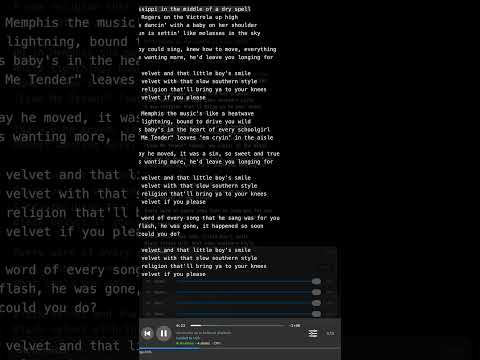
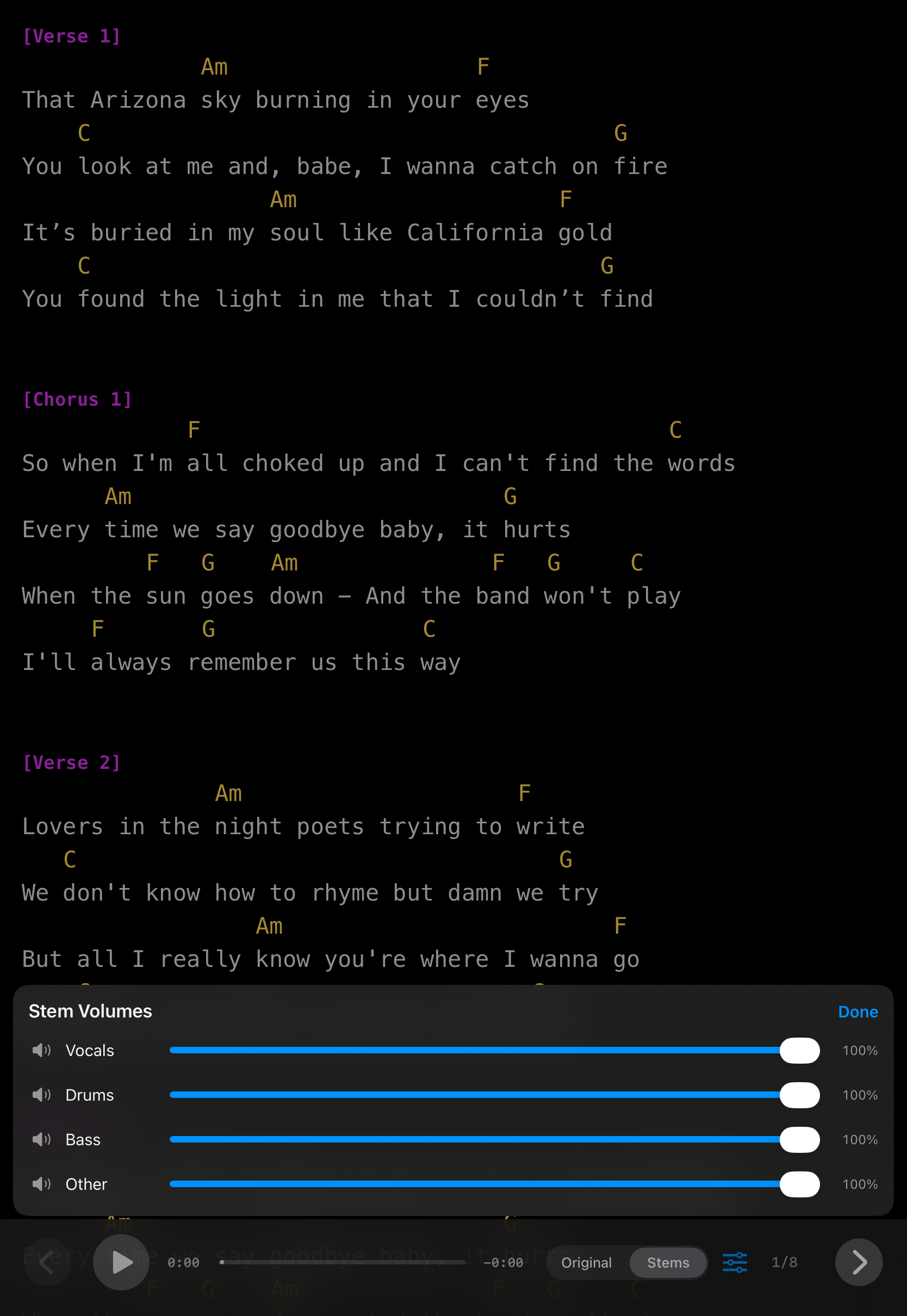
Full-screen dark display built for the stage. Top and bottom bars appear in sync. Tap corners to navigate, left zone for the song picker, anywhere else to toggle bars.
🎙️
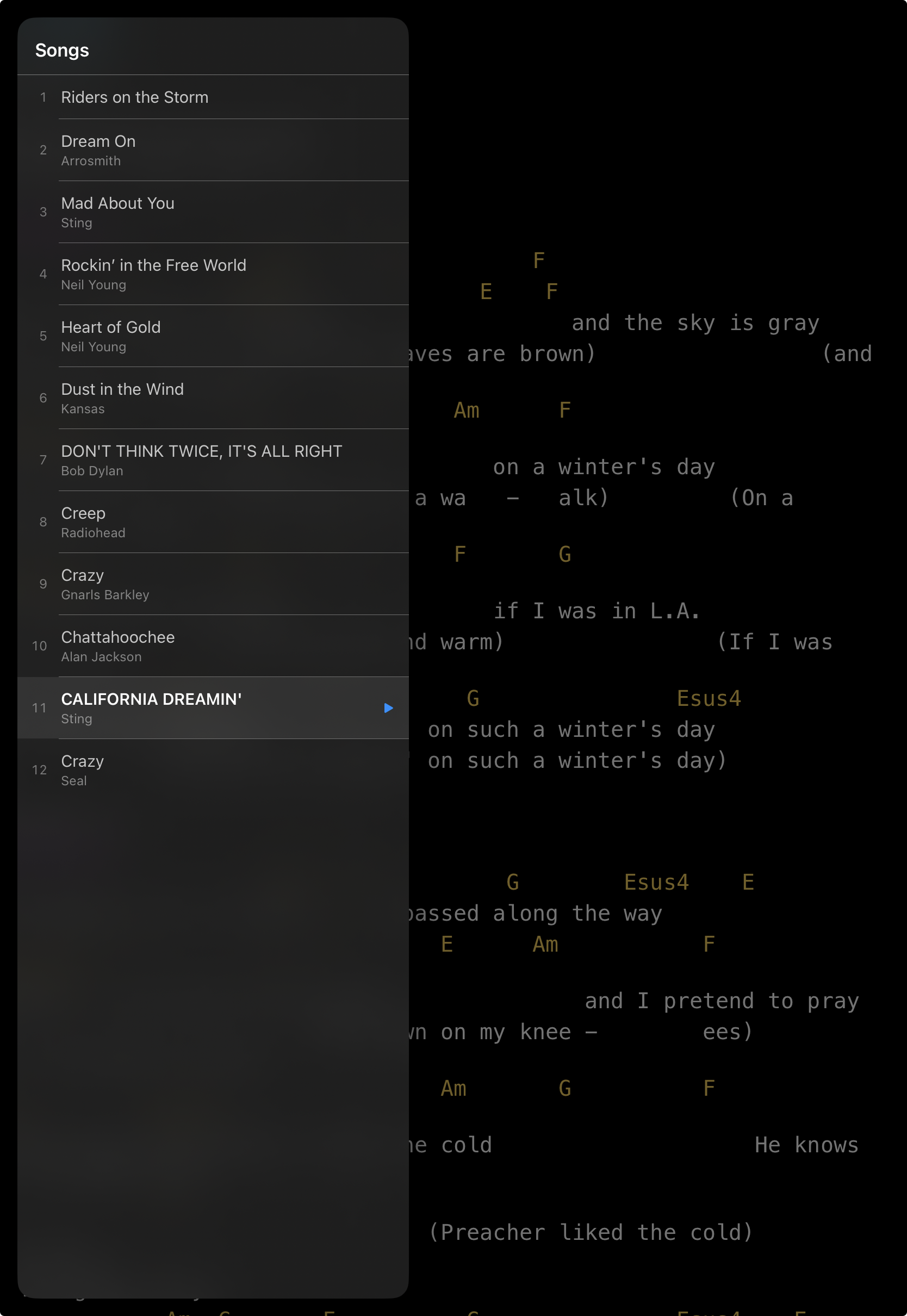
Rehearse Mode
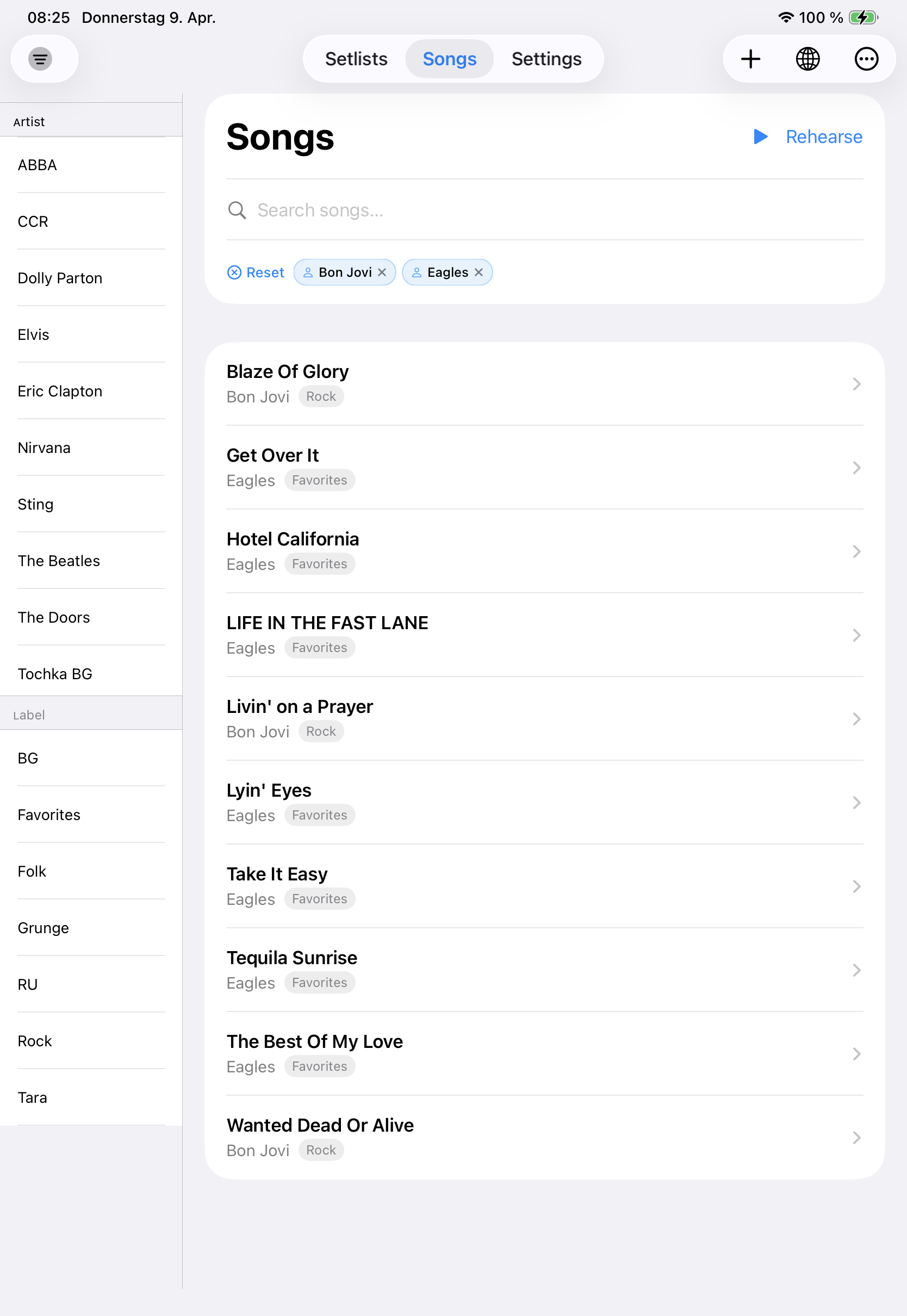
Practice in a full-screen view with a searchable sidebar. Select multiple artist and label filters at once — OR-combined, each dismissible as a chip. Filter state carries over from the Songs view automatically.
🎵
Audio Tracks
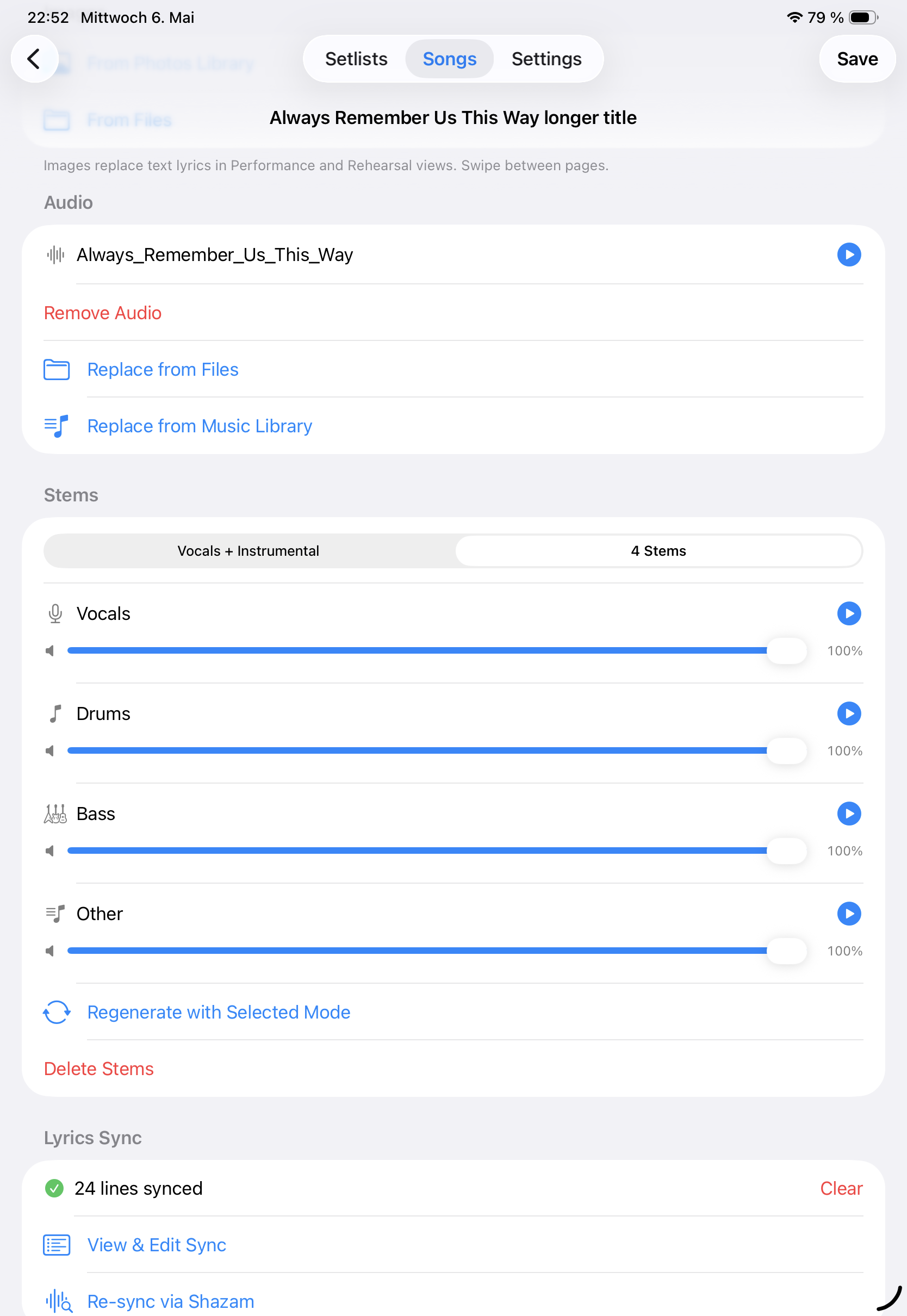
Attach a reference recording or backing track to any song. Import from Files, iCloud Drive, or directly from your iPhone Music Library (non-DRM tracks). A seekable progress bar shows elapsed and remaining time — tap or drag to jump to any position.
🔍
Smart Multi-Filter
Select multiple artists and labels at once — filters are OR-combined. Active filters appear as chips below the search field; dismiss one at a time or reset all. Filter state syncs between Songs and Rehearse.
🔒
Setlist Locking
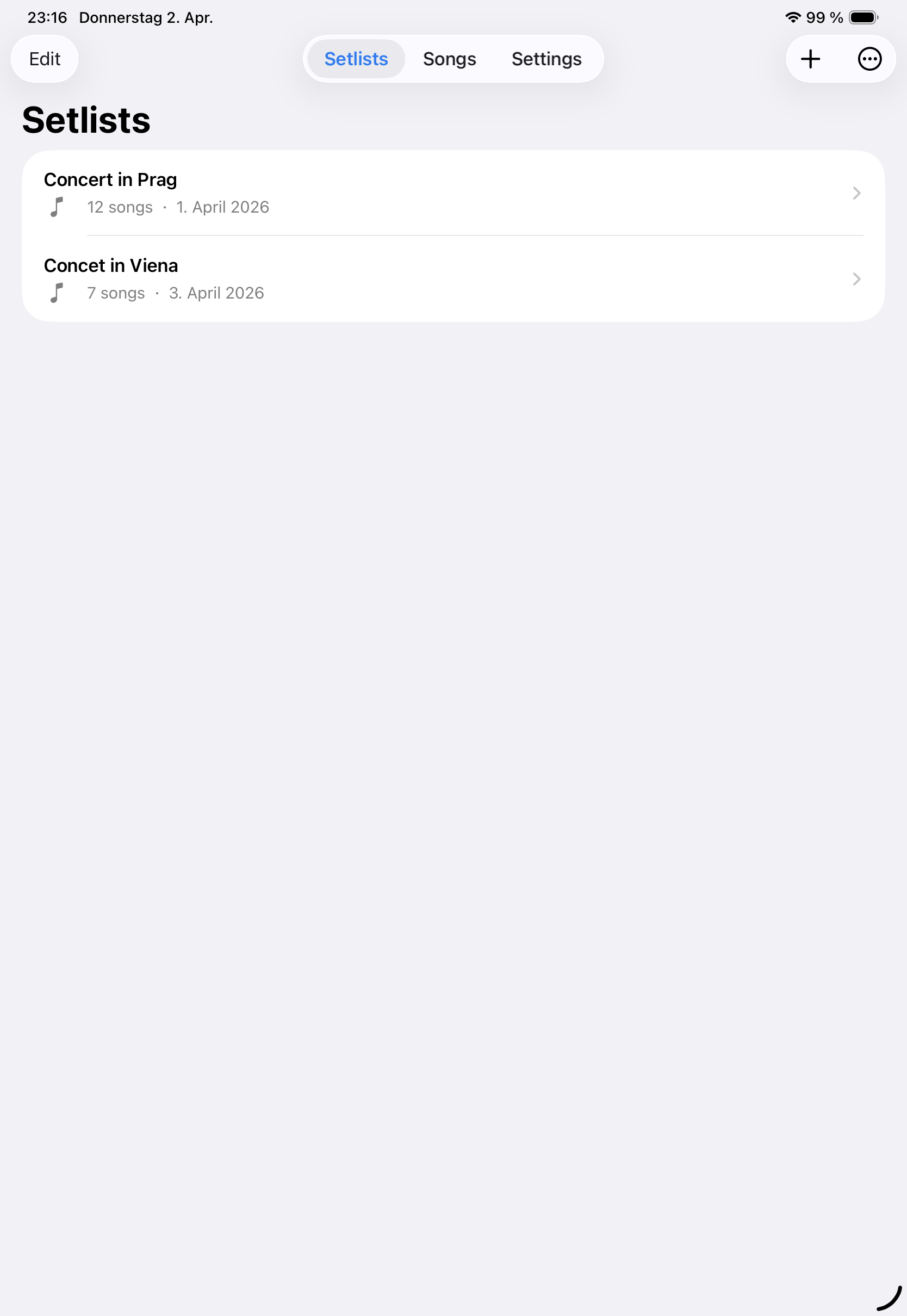
Lock a setlist before you walk on stage. Nothing gets accidentally edited, deleted, or reordered.
🎼
Chord Charts
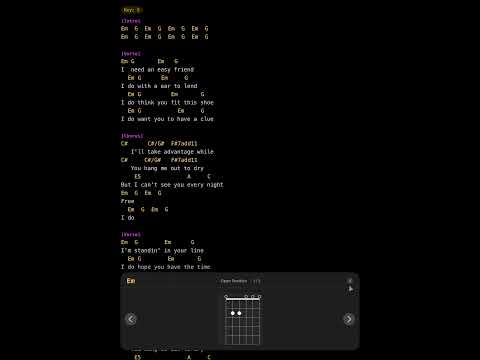
Interactive chord charts for guitar and piano — every chord in the song, rendered on-device with no internet. Tap for fretboard diagrams, voicings, and inversions mid-performance.
🎤
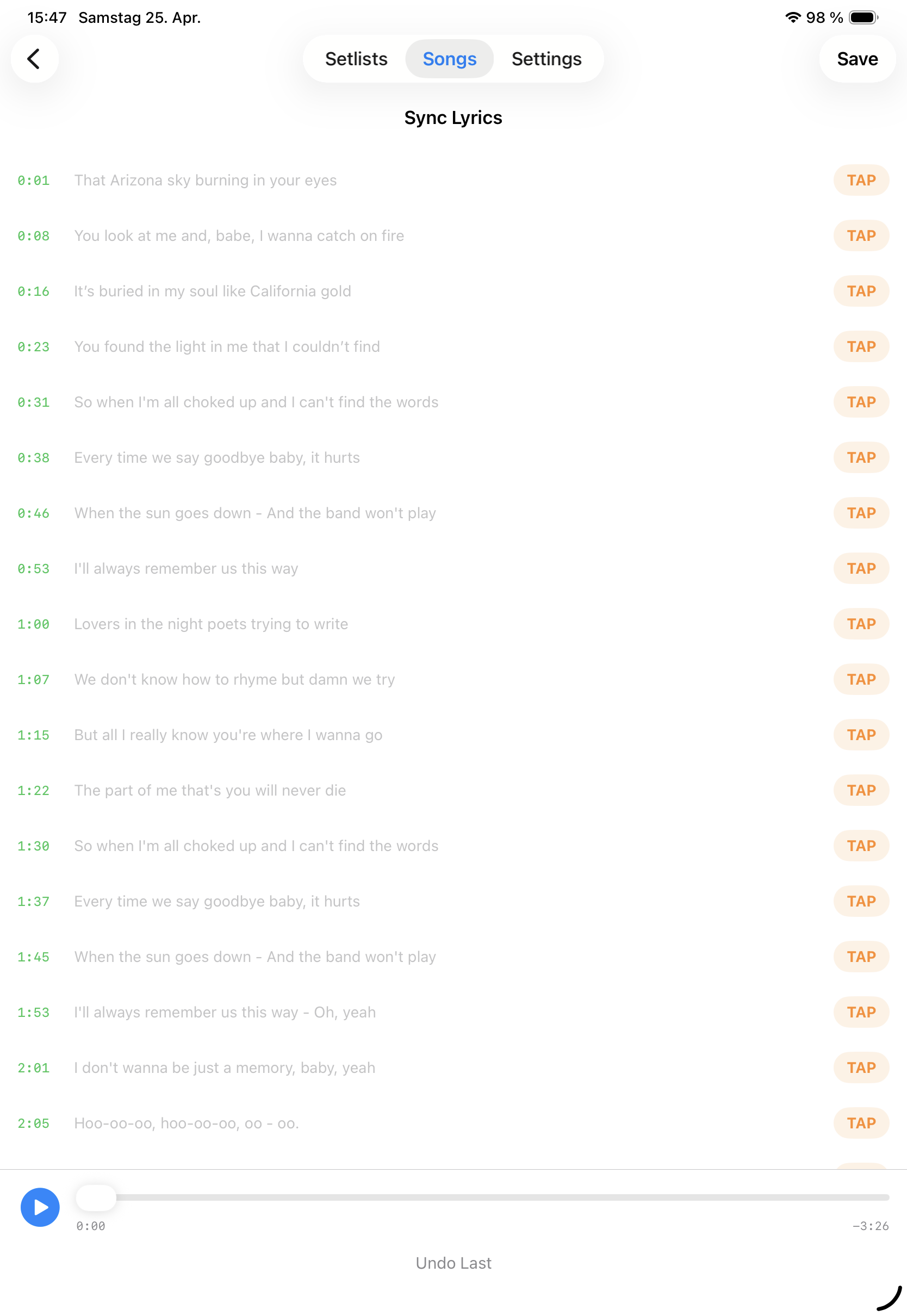
Lyrics Sync — Auto & Manual
Sync lyrics to your audio track so the current line highlights and scrolls automatically during playback. Auto Sync uses Shazam to identify the song and fetch timed lyrics from the web in seconds. Manual Tap Sync lets you set each line's timestamp by tapping along as the audio plays — perfect for originals and live recordings.
✏️
Edit During Performance
Spot a wrong chord mid-show? Edit lyrics and notes directly from Performance mode or Rehearse mode — no need to leave the view. Only available when the setlist is unlocked.
📝
Import from Notes
Share any Apple Notes note directly to Gig Songbook via the iOS Share Sheet. It arrives parsed and ready in your library.
🎶
Demo Setlist
New to the app? Load a ready-made demo setlist in one tap to explore every feature right away. Missed the first-launch prompt? Find it in Settings any time your library is empty.
☁️
Offline-first & iCloud
No account. No sign-in. Your library works fully offline; when you are signed into iCloud, songs and setlists can sync across your devices in your private container — never on our servers.
🖼️
Song Images
Attach any visual reference to a song — a full score, individual instrument parts, a chord chart, or a lyric sheet. Import from Photos or Files, drag to reorder. In Performance and Rehearse mode images replace the text view with swipeable full-screen pages.
🎸
Chord Transposition Pro
Transpose any song up or down in real time. Set fixed transpositions per song in a setlist. Chords update — lyrics never change.
🌐
Online Song Catalog Pro
Search by title or artist, pick multiple results — each showing album and duration to tell versions apart — and import them all at once, lyrics included.
🎧
Import Audio Files Pro
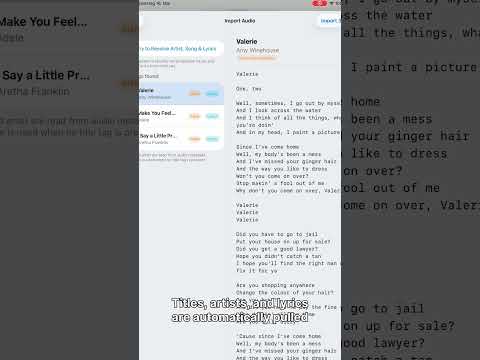
Select one or more audio files (MP3, M4A, WAV, FLAC and more) and let the app read the embedded metadata — title, artist and lyrics are filled in automatically. Hit Resolve via Shazam to identify unrecognised tracks; a live progress bar shows exactly how many have been processed, and you can cancel at any point without losing results already resolved. Review every track, then confirm with a single tap.
📄
Import TXT / PDF / MD Pro
Improved review workflow: import multiple files, edit title/artist/labels before saving, preview parsed lyrics, and handle duplicates with Overwrite or Skip Existing.
📚
Import PDF Score Pro
Import one or more PDF scores as swipeable song pages. Review each score, edit title/author/labels, preview rendered pages, then import with duplicate overwrite/skip handling.
📤
Export & Backup Pro
Export your full song library or individual setlists as JSON. Exporting songs shows a live progress bar as each track is packaged; when done a full Files browser opens so you can save directly to iCloud Drive, On My iPhone, or any connected location. Exports include referenced audio files, stems, and song images for fully portable backups.
🎚️
Stem Separation — Remove Vocals 30 days free Pro
Remove vocals and practice with a backing track using on-device stem separation — free for 30 days from first install, no purchase required. Split into 2 stems (Vocals + Instrumental) or 4 stems (Drums, Bass, Other, Vocals), mute the vocal stem in the mixer, and switch Original vs Stems during rehearsal or performance. The AI model (~54 MB on iPhone, ~75 MB on iPad) runs entirely on your device — your audio is never uploaded. Realtime stem playback on iPhone 14 Pro and newer and iPad M1+; older devices export stems once for instant playback. After 30 days, upgrade to Pro to keep generating stems.
💡
Have an Idea?
Every feature in this app started as a real need on a real stage. Tell us what you need — we're listening.